Scammers do not break into your accounts with clever hacking. They trick you into opening the door. Every year, people lose money to phishing emails, fake shopping sites, and tech-support calls that simply ask — convincingly — for access or payment.
The reassuring part: the same warning signs appear in almost every scam. Learn them once, and you will recognize a scam before you lose anything.
The short answer
A scam uses urgency, fear, or a too-good-to-be-true offer to push you into acting before you think. Pause, verify the sender or website through an independent channel, and never pay, click, or share codes under pressure.
Why scams are so common
Scams are cheap to run and they only need to work a small percentage of the time. A single phishing email costs almost nothing to send, while a successful victim can lose thousands. Criminals automate these campaigns and target anyone — the elderly, the busy, the newly online, and even the skeptical, through increasingly polished fake sites.
Phishing: email, SMS, and phone
Phishing is a message that pretends to be a trusted company or person. It comes in three flavours:
- Email phishing — a fake "security alert", "invoice", or "package delivery" message with a link or attachment.
- Smishing — the same idea by SMS text, often with a link that looks like a tracking link.
- Vishing — phone calls or voicemails from a "bank", "Microsoft support", or "tax office" asking you to confirm details or install software.
Red flags in any message
- Urgency and fear: "Your account will be closed in 24 hours" or "You owe money — act now." Legitimate companies rarely threaten immediate consequences in an email.
- A request for money, passwords, or codes: No real bank or support desk asks you to confirm your password or share a one-time code.
- Spoofed sender addresses: The display name says "PayPal" but the actual address is something like
[email protected]. - Suspicious links: Hover over a link (without clicking) to see the real destination. Look for look-alike domains such as
paypa1.com,amaz0n-checkout.com, orwellsfargo-verify.net. - Attachments you did not expect: Attachments are the classic malware delivery method. Delete the email instead of opening them.
- Errors and odd phrasing: While some scams are polished, many contain grammar mistakes, unusual phrasing, or a generic greeting like "Dear customer."
Fake websites and look-alike stores
Fake shopping sites advertise heavily discounted products, then collect your card details and never ship anything. Others exist only to harvest your credentials or install malware.
How to check a site quickly
- Verify the URL spelling carefully.
amazon-shop-2026.comis not Amazon. Check the exact domain in the address bar. - HTTPS is not proof of legitimacy. Fake sites use HTTPS too. It only means the connection is encrypted, not that the site is honest.
- Check the "About" and "Contact" pages. A real business lists an address, phone, and support details. A scam often has none, or only a generic email form.
- Search the company name plus "scam" or "review". Real complaints are usually easy to find.
- Beware of prices far below market. If it is 80% cheaper than everywhere else, it is the product that is the scam.
- Pay with a method that offers protection, such as a credit card, rather than wire transfer or gift cards. Anyone asking for gift cards or cryptocurrency as payment is scamming you.
Tech-support scams
A caller or a pop-up tells you your computer is "infected" and offers to fix it for a fee — or asks you to install remote-access software. Legitimate companies never contact you out of the blue with virus warnings.
If a pop-up tells you to call a number, do not call it. Close the tab. If you already installed remote-access software, uninstall it, change your passwords, and contact a trusted technician.
Other scams to know
- Too-good-to-be-true offers (lotteries you never entered, free vacations, guaranteed returns).
- Romance scams, where a "partner" you met online needs money for an emergency.
- Investment and crypto scams, which promise guaranteed profits and pressure you to act before the "opportunity" closes.
- Job scams, where the "employer" sends you a cheque and asks you to send part of it back.
- Grandparent and friend emergencies, where a scammer pretends to be a relative in trouble and asks for money urgently.
What to do if you already clicked or paid
- Stop immediately. Do not send more money or share more details.
- If you shared a password, change it now and enable two-factor authentication on the account and on your email.
- If you paid with a card, contact your bank or card issuer right away and dispute the charge.
- If you installed software, disconnect the device from the network, run your security software, and consider a professional cleanup.
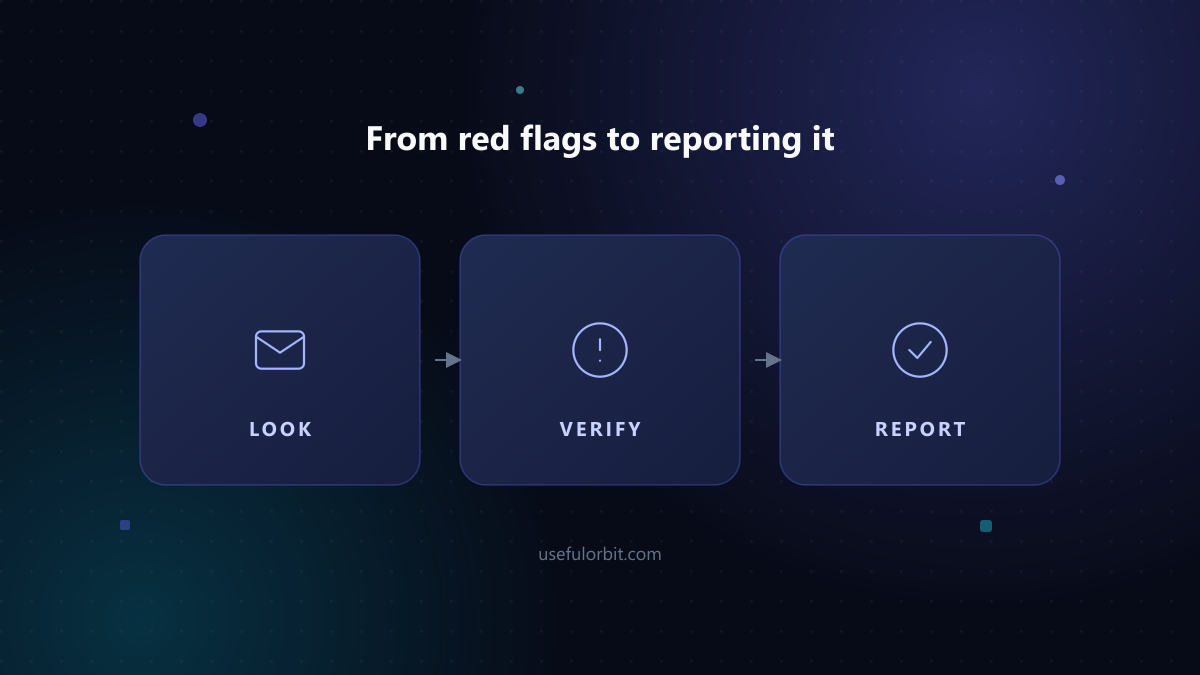
- Report it. Report phishing to the FTC at ReportFraud.ftc.gov and, if in the United States, forward phishing emails to the Anti-Phishing Working Group. Your bank and the real company the scammer imitated should also be told.
- Tell someone you trust. Victims often feel shame, but reporting early limits the damage.
Sources and further reading
- FTC: How to recognize and avoid phishing scams
- CISA: Avoiding social engineering and phishing attacks
- Anti-Phishing Working Group — report phishing
- FTC: What To Do If You Were Scammed
Written by Hassan Arshad, founder of UsefulOrbit. Last updated August 31, 2026.