Falling for a scam is embarrassing, but not reporting it helps the scammer keep going. Reporting takes a couple of minutes, costs nothing, and gives law enforcement and security companies the evidence they need to take sites and accounts down.
The short answer
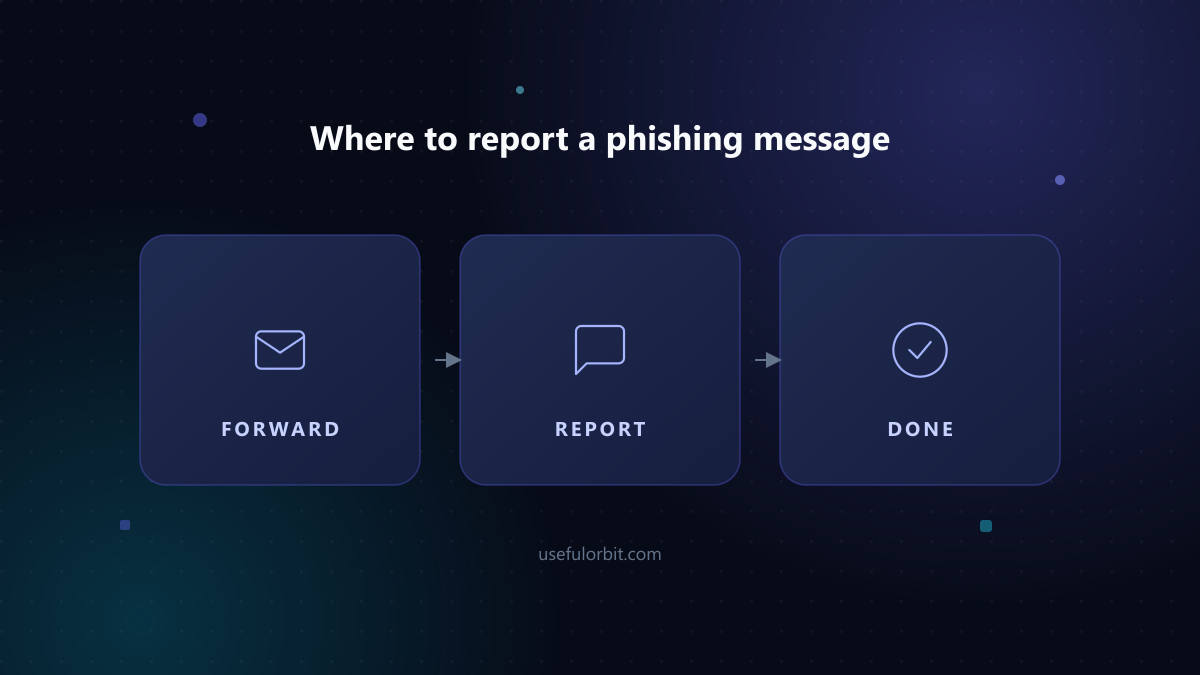
Forward phishing emails to the reporting address for your country, report scam websites through your browser or a consumer protection agency, and tell your bank if money is involved. Keep the original email or message — do not edit it.
Report phishing emails in the US
- Anti-Phishing Working Group: forward the email to
[email protected]. - FTC: report at ReportFraud.ftc.gov.
- CISA: report serious incidents at cisa.gov.
Forward the message as an attachment if possible, so the headers are preserved. Do not click any links in the email before reporting.
Report phishing in the UK
- Action Fraud (national fraud reporting): actionfraud.police.uk, or phone 0300 123 2040.
- Suspicious emails: forward to
[email protected]. - Suspicious texts: forward the text to 7726 (free).
Report phishing in the EU
Most EU countries have a national reporting point:
- Germany: Bundesamt für Sicherheit in der Informationstechnik — report phishing via the BSI website.
- France: signal-spam.fr.
- Netherlands: fraudehelpdesk.nl.
- General: the EU's European Consumer Centres Network can help with cross-border consumer fraud.
Check your national cyber-security agency's website for the official address — it is usually free and takes under a minute.
Report phishing in Australia
- Scamwatch (ACCC): scamwatch.gov.au — use the "Report a scam" page.
- Australian Cyber Security Centre: report online at cyber.gov.au.
Report phishing in Pakistan
- FIA Cybercrime Wing: report online at fia.gov.pk → Cybercrime.
- NR3C (National Response Centre for Cyber Crime) handles online fraud cases.
- Punjab Police Cybercrime: report via cybercrime.punjab.gov.pk.
Keep a copy of the scam message, transaction IDs, and the sender's details — documented reports help authorities act.
Report the website in your browser
- Chrome: report the site to Google's Safe Browsing at safebrowsing.google.com/safebrowsing/report_phish/.
- Firefox / Microsoft: similar reporting tools exist in each browser's "Report a problem" menu.
- If it is a scam store, add it to the FTC or your local consumer authority (see above).
What to report
Keep the details authorities need:
- The full email headers (or forward as an attachment)
- The scammer's address and any phone numbers
- The exact URL of the fake site
- Dates and amounts if you lost money
- Your bank's case or reference number if you already reported the payment
If you shared a password
Reporting is important, but protecting yourself comes first:
- Change the password on the affected account and anywhere you reused it.
- Turn on two-factor authentication.
- Tell your bank about the message if payment details were involved.
Also tell the real company
The organisation being impersonated — your bank, a delivery service, a payment provider — wants to know. Most have a dedicated "report abuse" or security address in their help centre. Your report helps them spot the campaign early and warn other customers. If you entered payment details, contacting them directly is also the fastest way to block the charge.
Quick answers
Do I have to report it even if I did not lose anything? Yes. A phishing message that reached you has probably reached thousands of others, and some will click. Your report — even with no money lost — is the evidence that gets a scam site or address taken down.
Is it safe to forward a suspicious email? Forwarding the raw message is safe as long as you do not click links or open attachments first. Forward as an attachment rather than quoting the text, so the header information investigators need is preserved.
Should I reply to the scammer? No. Replying confirms your address is active and real, which can put you on more scam lists. Just forward and delete.
Can reporting get my money back? Reporting alone does not guarantee a refund, but it creates the paper trail you need. For app-store purchases, Apple and Google have refund processes; for card payments, contact your bank. Reporting supports a dispute if one is needed.
For help recognising scams before you report them, see how to spot and avoid online scams.
 Where to report a phishing message
Sources and further reading
Written by Hassan Arshad, founder of UsefulOrbit. Last updated August 31, 2026.